Blog / How-to
PDF too large for a form? Fix it fast
Published 2026-08-28 · How-to
You try to upload a PDF to a form and the site refuses it: too large, over the limit. Before you give up, here is why it is heavy and the fastest way to shrink it so the upload finally goes through.
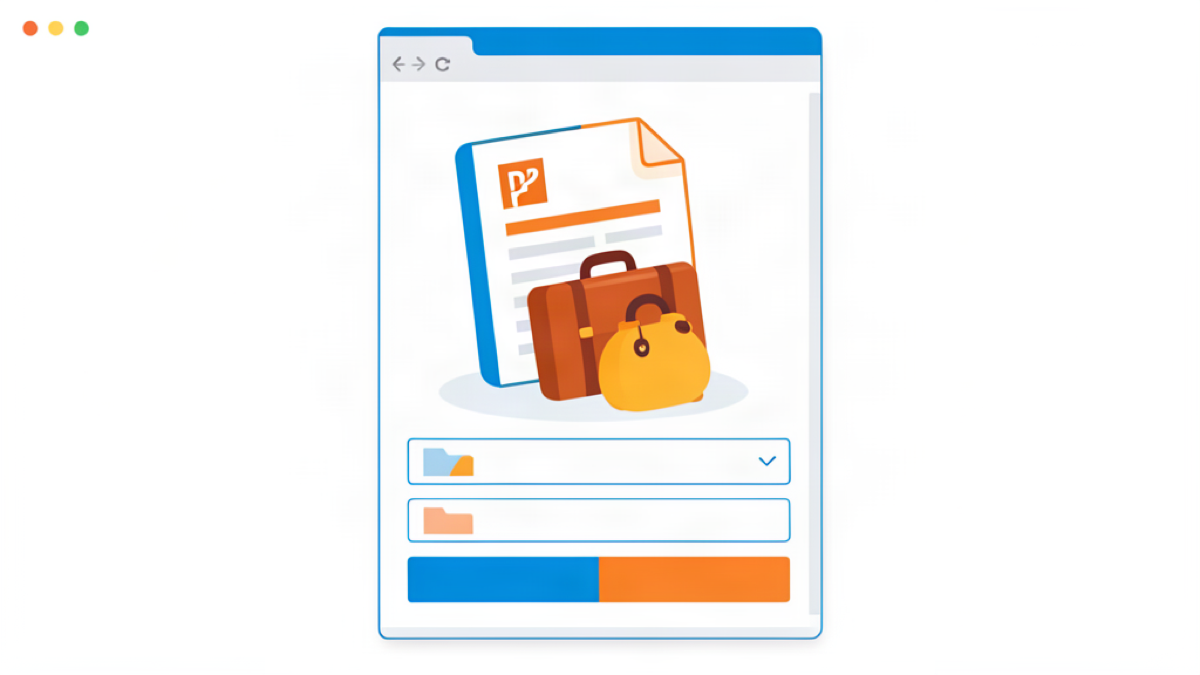
Why the form refuses your file
Online forms and portals cap attachments, often at 5, 10 or 25 megabytes. When your PDF crosses that ceiling the upload is blocked. The weight usually comes from the images inside the document, especially high-resolution photos and scanned pages, which quickly push a file over the limit even when it holds little text.
Compress first, before anything else
The first move is to shrink the PDF itself. Use a compressor like compress a PDF and pick the level that matches your file. Normal compression keeps the text selectable and cuts the size by 15 to 30 percent. Maximum compression re-encodes every page as an image and can shrink a scan dramatically, at the cost of selectable text. Compare the shown saving and download the result.
Check the real size before resubmitting
After compression, look at the new file size rather than guessing. Many tools display the result directly. If the number is still close to the limit, run a second pass or reduce the images before re-exporting. For the full walkthrough of the different targets, read reduce a PDF size for email.
When the PDF is still too big
Some forms truly are, for example a scanned multi-page pack. If one pass is not enough, rebuild the file from lighter images with Images to PDF or split it into smaller pieces with Split PDF and upload them separately. The important thing is that the content stays readable, even if the file is a little less polished.
A quick workflow to remember
Whenever a PDF is refused: compress it, compare the saving, check the number, and loop once if needed. Because the whole operation runs in your browser, nothing is uploaded and your document stays private while you fix it. In a couple of minutes your file fits the form and the upload goes through.
Try Bang PDF for free - no account, no watermark, no upload.
Merge your PDFs now