Blog / How-to
Convert a PDF to Word: edit without retyping
Published 2026-08-31 · How-to
You received a quote or a draft in PDF and need to change a number, a name or a sentence. Instead of retyping everything, here is how to convert that PDF into an editable Word document quickly, keeping the layout.
Why you need an editable copy
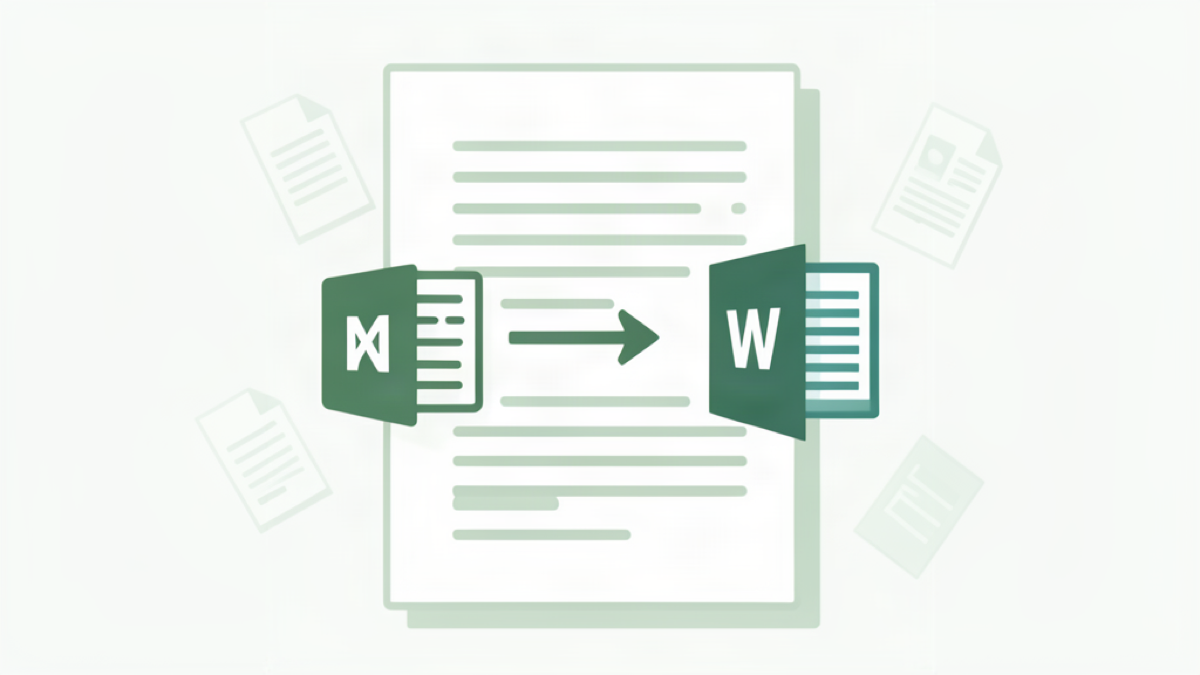
A finished PDF is designed to be read and printed, not edited. The text is locked into the layout, so changing a single figure means either retyping the whole page or losing the formatting. Converting to Word gives you back an editable file: you can correct a price, fix a typo or restructure the document, and export it as a PDF again when it is final.
The fastest conversion, in your browser
You do not need to install a full office suite. Open PDF to Text, drop your file, and the tool extracts the content in reading order. From there the text becomes a regular document you can paste into Word or any editor, adjust and rebuild. Everything runs locally in your browser, so your document never leaves your device and nothing is uploaded.
Keep the text, not the heavy layout
When you convert a PDF to editable text, you keep the words and their order, while the fixed layout (margins, columns, decorative fonts) is not carried over. This is exactly what you want for editing a quote, a report or a letter: retype-free content that you can restyle cleanly in Word. If you later want it back as a polished PDF, turn the edited text into a clean document with Text to PDF.
When straight conversion is not enough
A PDF produced from a modern editor usually holds real text, so conversion works in one pass. Scanned paper documents are different: they are pictures of pages with no readable text inside. For those you first need OCR, and this guide shows how to extract text from a scanned PDF before you can edit anything.
Rebuild and finalise
After editing, put the document back together and bring it to a shareable size. Merge multiple corrected sections with Merge PDF or slim the final file with a compress a PDF pass so it sends by email without trouble. You end up with the same polished document, corrected in minutes instead of retyped from scratch.
Try Bang PDF for free - no account, no watermark, no upload.
Merge your PDFs now